Play
3D Color Art Studio
Showtime

3D Color Art Studio

3d art creative fun family activity
Developer: Falcon Fly Studio
Published: 2026-02-16
Updated: 2026-07-17

3D Color Art Studio offers a calming and enjoyable experience for anyone who loves art. The 3D models provide a unique twist on traditional coloring, and the zoom feature helps with precision. It is a great way to unwind and express creativity without any pressure. Suitable for both kids and adults.

Plays in your browser — no install.

About this game

Game Introduction

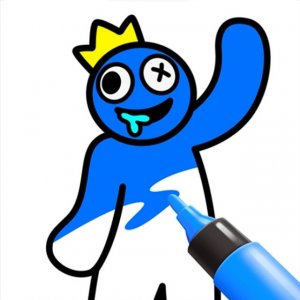
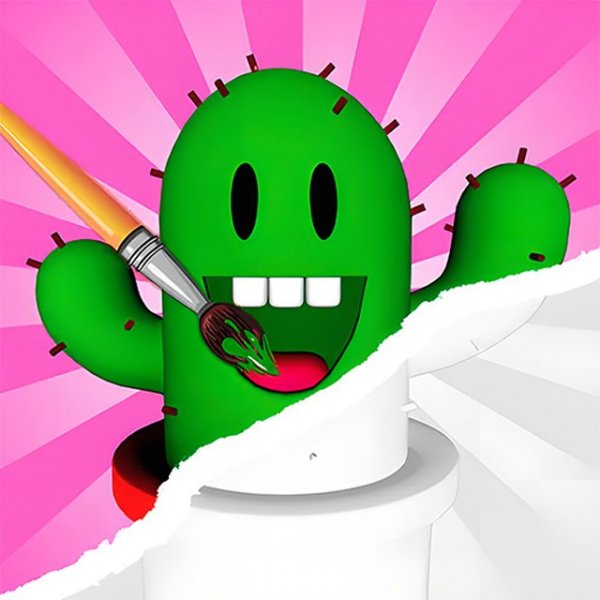
3D Color Art Studio is an online creative activity where players apply colors to three-dimensional models of various characters. The core objective is to use digital painting tools to fill each section of a model with chosen hues, creating a personalized artwork. This experience is designed to be relaxing and accessible, allowing individuals of different ages to explore their artistic side. The game provides a random selection of models to start, offering a fresh challenge each time. Players can experiment with different color combinations to make each creation unique. The focus is on creativity and enjoyment, not speed or competition. This type of game is often used as a calming pastime, encouraging focus and self-expression.

How to Play

To begin, players select a 3D model from the available options. The game typically provides a random character to start with. Using a mouse or touch input, players choose colors from a digital palette and apply them to the model by clicking on specific sections. The interface may include tools like paintbrushes and pencils for different effects. A color guide is often available to help match the original design, but players are free to use any colors they prefer. Zoom controls allow for detailed work on small areas. Completing a model usually unlocks new ones, providing continued creative opportunities.

Game Features

Features of 3D Color Art Studio include a variety of 3D character models to color. The game offers a selection of digital painting tools such as paints and pencils. A zoom function helps with precision on small details. A color guide assists in matching original designs, though it is optional. New models become available as players finish their current projects. The experience is designed to be calming and suitable for a wide age range.

Tips for Success

Take your time when applying colors to ensure neat results. Use the zoom feature for detailed areas. Refer to the color guide if you want to stay true to the original design, but feel free to experiment with your own color schemes. Completing models will unlock more content, so regular practice can expand your collection. Enjoy the process and let your creativity guide you.

Compatibility

✅ Works on PC & Mobile | Recommended: Chrome / Safari / Edge
FAQ
Is 3D Color Art Studio free to play?
Yes, 3D Color Art Studio is an online game that can be played for free directly in a web browser. There are no charges for accessing the basic coloring features and models. Some optional in-game content may be available for purchase, but the core experience is free.
What devices can I use to play 3D Color Art Studio?
3D Color Art Studio is designed to work on most modern web browsers, making it accessible on desktop computers, laptops, and tablets. It may also be compatible with smartphones, depending on the browser and screen size. A stable internet connection is recommended for smooth performance.
Do I need to download any software to play 3D Color Art Studio?
No, 3D Color Art Studio is a browser-based game that does not require any downloads or installations. You can start playing immediately by visiting the game's website. This makes it convenient and safe, as no extra software is needed.
Are there different difficulty levels in 3D Color Art Studio?
The game does not have traditional difficulty levels. Instead, the complexity varies based on the model you choose. Some models have more sections and finer details, which may require more patience and precision. This allows players to select a challenge that matches their comfort level.
Can I save my colored creations in 3D Color Art Studio?
The game may offer a save feature that allows you to store your completed models. This lets you revisit your artwork later or share it with friends. However, the availability of this feature depends on the specific version of the game you are using.
Is 3D Color Art Studio suitable for young children?
Yes, 3D Color Art Studio is suitable for players of all ages, including young children. The gameplay is simple and non-violent, focusing on creativity and relaxation. Parental guidance may be helpful for very young players to navigate the interface and select models.
Advertisement

You May Also Like