About this game
Game Introduction
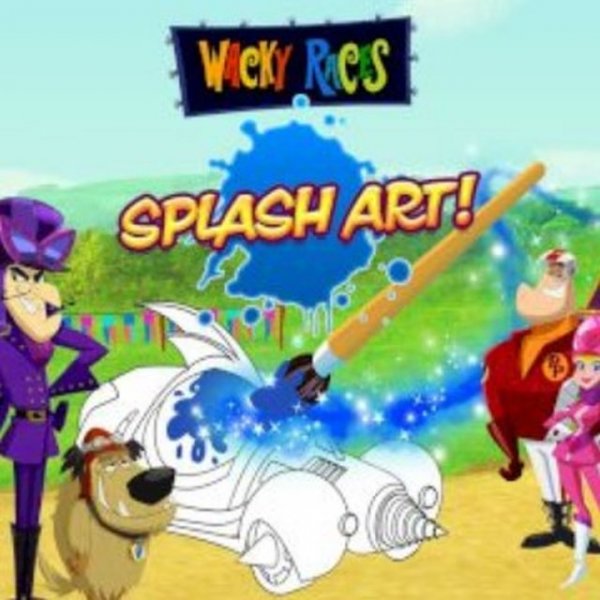
Wacky Races Splash Art Studio is an online creative activity that invites players to explore their artistic side with characters from the classic Wacky Races series. This game focuses on two main ways to engage: filling in black-and-white images with color, and finishing partially drawn pictures. The experience is designed to be relaxing and imaginative, encouraging players to express themselves through color and line. Suitable for children ages three and older, it provides a safe environment for creative play. The game stands out by offering both a standard coloring activity and a drawing challenge, which adds variety and keeps the experience fresh. Players can enjoy this game on various devices, including computers, phones, and tablets, without needing to install any software. It is an ideal choice for families looking for a wholesome, engaging pastime that sparks creativity and provides a calm, focused activity.
How to Play
To begin, players choose between two modes: coloring or drawing. In coloring mode, a black-and-white image appears in the center of the screen. Around the image, there are tool panels with options such as a fill tool, a brush, a pencil, an eraser, and a color spray. Players select a color from the palette and then apply it to the image using the chosen tool. In drawing mode, players see an unfinished picture and must add missing elements using the same set of tools. The goal is to complete the image by drawing in the missing parts. Controls are simple and intuitive, requiring only a click or tap to select and apply colors. The game works smoothly on touchscreens and with a mouse, making it accessible for young children and beginners.
Game Features
This game includes a variety of images featuring characters from the Wacky Races series. It offers two distinct modes: a standard coloring mode and a drawing mode that challenges players to finish incomplete artwork. The toolbars provide several options, including fill, brush, pencil, eraser, and spray tools, giving players flexibility in how they create. A full-screen mode is available for a more immersive experience. The game is built with HTML5 technology, so it runs directly in a web browser on PCs, mobile devices, and tablets without requiring any downloads or installations.
Tips for Success
To achieve the best results, start by trying out each tool to see how it works. Use the fill tool for large areas and the brush or pencil for smaller details. Experiment with different color combinations to create unique effects. In drawing mode, focus on making the missing parts match the style of the rest of the image. Regular practice will improve your control and creativity. Most importantly, enjoy the process and let your imagination guide your choices.