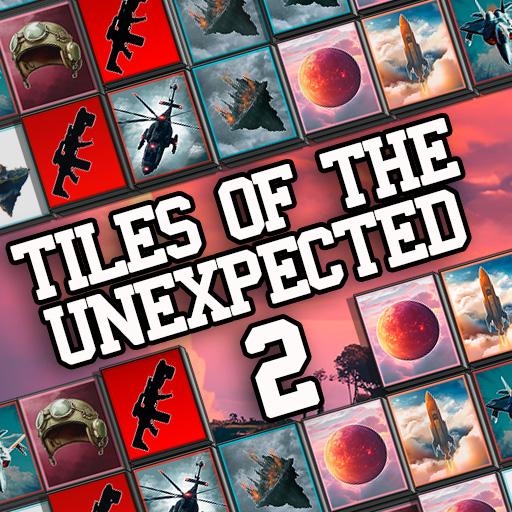
About this game
Game Introduction
Hidden Image Tile Match 2 is a casual puzzle experience where players remove matching tiles to reveal a concealed picture. Developed as a browser-based activity, it works smoothly on computers, phones, and tablets. The game offers two ways to play: a timed mode for those who enjoy a gentle challenge and a classic mode for a more leisurely pace. Each session begins with a covered image, and the goal is to clear all tiles by finding identical pairs. As tiles are removed, the hidden picture gradually emerges, providing a sense of accomplishment. This game is designed for players aged 7 and older, making it suitable for family play. Its straightforward mechanics and calming visuals make it an excellent choice for unwinding after a busy day.
How to Play
To start, players select either timed or classic mode from the main screen. The playing field shows an image covered by two layers of tiles. The task is to find and click on two identical tiles to remove them from the board. It is generally helpful to clear tiles from the top first, as this prevents upper pieces from blocking lower ones. When a successful match is made, special items become available on the side of the screen. These items can be used to remove difficult tiles that are blocking progress. If the player pauses for a moment, the game highlights possible matches to assist. As fewer tiles remain, vertical columns may shift to create new opportunities. The round ends when all tiles are cleared or when no more matches are possible.
Game Features
The game includes a tile-matching mechanic that uncovers hidden images as the player progresses. Two distinct modes provide variety: one with a timer for those who prefer a faster pace, and another without time pressure for relaxed play. Special power-ups appear during gameplay to help remove stubborn tiles. A hint system activates automatically when the player stops moving, suggesting possible matches. The game is optimized for web browsers across multiple devices, including desktop computers, mobile phones, and tablets. Full screen support enhances the visual experience.
Tips for Success
Focus on clearing tiles from the top layers first to keep lower tiles accessible. Use the hint feature when you feel stuck to identify matching pairs. Save power-ups for moments when a single tile is blocking many others. Practice in classic mode to understand the tile layout before trying timed sessions. Take short breaks if concentration wanes, as a fresh perspective often reveals matches you missed.