About this game
Game Introduction
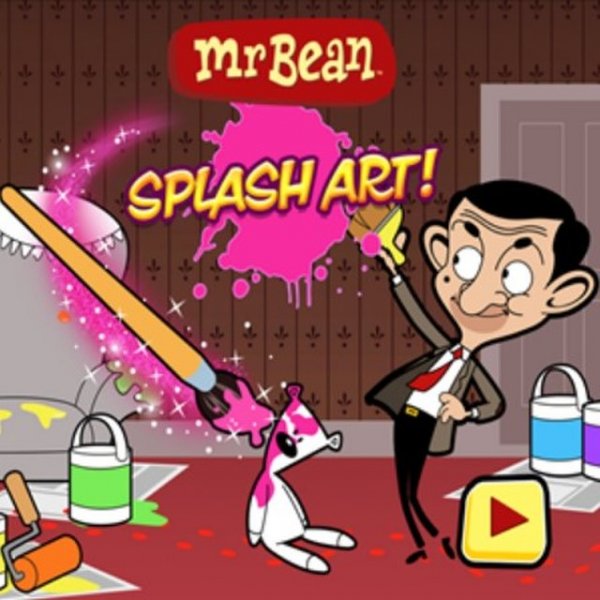
Mr Bean Creative Coloring Studio is a digital art activity that brings the joy of coloring and drawing to screens of all sizes. Designed for players of all ages, this game offers a calm and creative space where imagination takes the lead. Instead of following strict rules or competing against others, users can freely explore their artistic side. The game features the beloved character Mr Bean, adding a familiar and friendly touch to the experience. Built with modern web technology, it works smoothly on computers, tablets, and phones without needing any downloads. Whether someone is looking for a quick break or a longer creative session, this studio provides a welcoming environment. The interface is clean and simple, making it easy for anyone to start creating right away. There are no timers, scores, or pressure, so each session can be as short or as long as the player wishes. This focus on relaxation and self-expression makes it a great choice for families, classrooms, or anyone wanting to unwind.
How to Play
Players begin by choosing between two main activities: coloring or drawing. In the coloring section, they select a black and white outline picture from a collection and fill it with colors using a palette of digital paints and stickers. In the drawing section, they can start with a base image and add their own creative touches. Controls are designed for both mouse and touch input, so the game responds naturally whether on a computer or a mobile device. There are no complex rules or instructions to follow, which means even young children can start playing immediately. The absence of timers or scoring means everyone can work at their own comfortable pace, making it a stress-free experience.
Game Features
This studio includes a variety of tools and options to support creativity. It offers two distinct modes: one for coloring pre-made outlines and another for free drawing. A palette of colors and a selection of stickers are available to enhance artwork. The game is built with HTML5 technology, ensuring it runs smoothly on different devices and screen sizes. A full screen mode is available to help players focus on their creations without distractions. The content is designed to be family-friendly, with no ads or in-app purchases interrupting the experience. The interface is intuitive, so players can start creating without any prior instruction.
Tips for Success
Take your time exploring the color palette and sticker options to find combinations you enjoy. Try both coloring and drawing modes to see which style fits your mood. Remember that there is no right or wrong way to create, so let your imagination guide you. For younger players, starting with the coloring mode can help build confidence before trying the drawing mode. Using the full screen option can help minimize distractions and keep focus on the artwork.